
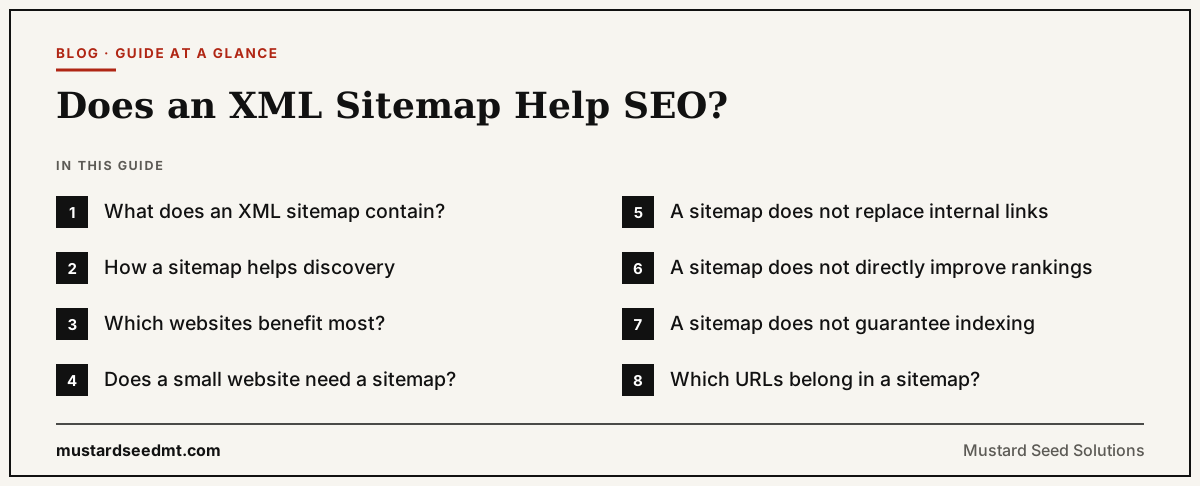
An XML sitemap is a file that lists important URLs and provides information about the structure and content of a website.
Search engines can use the file to discover pages and crawl a site more efficiently.
An XML sitemap can therefore support SEO, especially for large, new, complex, or frequently changing websites.
However, a sitemap does not directly improve rankings.
It does not guarantee that every URL will be crawled.
It does not guarantee that every submitted page will be indexed.
Google describes a sitemap as a file that communicates which pages and files the publisher considers important. Google also states that sitemap submission does not guarantee crawling or indexing.
The sitemap is a discovery and communication tool, not a ranking shortcut.
What does an XML sitemap contain?
A basic XML sitemap lists page URLs in a machine readable format.
It may also include a lastmod value indicating when a page was last meaningfully modified.
Special sitemap extensions can provide information about images, videos, news articles, and alternate language versions.
The XML format is particularly versatile because it can support these additional content types.
A simple sitemap entry identifies the complete preferred URL.
For example, the sitemap should use the full absolute URL rather than a partial path.
Google recommends listing the canonical URLs that the website wants to appear in search results.
How a sitemap helps discovery
Googlebot finds new pages by following links, reading sitemaps, and processing redirects.
A well connected website may allow Google to discover most pages through internal links alone.
A sitemap creates an additional discovery route.
This is useful when a page is new, receives few links, or belongs to a section that search engines do not crawl frequently.
A sitemap can tell Google that a URL exists before Google encounters a normal link to it.
Discovery is useful, but it is only the first stage.
Google must still crawl the page, process it, decide whether it belongs in the index, and determine whether it is relevant to any searches.
Which websites benefit most?
Google says a sitemap may be particularly useful when a website is large, new, has few external links, or contains significant video, image, or news content.
Large websites
A large ecommerce, publishing, marketplace, or directory website may contain more pages than users and crawlers can easily reach through navigation.
A sitemap helps present important canonical URLs in an organized form.
New websites
A new website may have few external backlinks.
Because crawlers discover many URLs by following links from previously known pages, a new site may benefit from explicitly submitting its pages.
Rich media websites
Image, video, and news sitemaps can communicate information that may not be obvious from a normal page list.
Frequently changing websites
A reliable lastmod value can help communicate that important content has changed.
The value should represent a meaningful update rather than being changed automatically every day.
Does a small website need a sitemap?
Google says a small and comprehensively linked website may not need a sitemap.
Google currently describes a small website in this context as one with approximately 500 or fewer pages that need to appear in search.
If every important page is reachable through clear internal links, Google can often discover the website without a sitemap.
Even so, most modern content management systems generate XML sitemaps automatically.
Keeping a clean sitemap is usually sensible because the implementation cost is low.
The important point is that a sitemap should complement good internal linking rather than replace it.
A sitemap does not replace internal links
A page should not exist only in the XML sitemap.
Users cannot normally navigate an XML sitemap as part of the website experience.
Internal links help customers and search engines understand how pages relate to each other.
Google recommends ensuring that all important pages can be reached through crawlable links from another discoverable page.
A product should appear in a category.
An article should appear in a blog archive or topic section.
A service page should be connected to navigation and supporting content.
If important pages are visible only in the sitemap, the website structure requires improvement.
A sitemap does not directly improve rankings
Google has long stated that sitemaps do not directly change page rankings.
A sitemap may indirectly support visibility if it helps Google discover and crawl pages that were previously unknown.
Those pages may then become indexed and compete in search results.
The ranking itself depends on other considerations, including relevance, content, links, context, and Google’s ranking systems. Google’s ranking guidance states that automated systems examine many factors and signals at the page and site level.
A sitemap communicates preferred URLs.
It does not supply authority or prove content quality.
A sitemap does not guarantee indexing
One of the most common sitemap misunderstandings is the belief that submitting a URL means Google must index it.
Google explicitly states that a sitemap helps discovery but does not guarantee that every listed item will be crawled or indexed.
A submitted page may remain excluded because it:
Contains a noindex directive
Redirects elsewhere
Duplicates another page
Uses a conflicting canonical
Returns an error
Provides insufficient independent value
Cannot be rendered properly
Has not yet been prioritized for crawling
The sitemap is an invitation to consider the URL, not an indexing command.
Which URLs belong in a sitemap?
Include URLs that are:
Canonical
Publicly accessible
Intended for search results
Returning successful responses
Useful to search users
Maintained by the business
Google recommends including the URLs that you want to see in its search results.
Exclude URLs that:
Redirect elsewhere
Return errors
Are blocked from indexing
Contain duplicate parameters
Represent internal searches
Belong to private accounts
Are temporary and unimportant
Are not canonical
A clean sitemap makes the website’s preferences easier to interpret.
Canonical consistency matters
A sitemap is one canonical signal.
Google treats the URLs listed in the file as suggested canonical versions, but Google still decides whether pages are duplicates and which URL should represent the group.
The sitemap, internal links, redirects, and canonical tags should agree.
For example, do not list an HTTP URL in the sitemap while every internal link uses HTTPS.
Do not list a parameter version while the canonical tag points to the clean version.
Do not list both www and non www versions when only one should appear in search.
Consistent signals reduce uncertainty.
What should lastmod mean?
The optional lastmod value communicates when a URL was last meaningfully updated.
It should not change every time the sitemap is generated unless the page content genuinely changed.
A meaningful update may include a revised article, changed product information, new availability, or substantial page modification.
Minor template changes may not justify updating every URL’s date.
The value should be accurate.
Search engines have little reason to trust a signal that claims every page changes daily when the visible information remains identical.
Sitemap size limits
Google supports sitemaps containing up to 50,000 URLs or 50 MB when uncompressed.
Larger websites must split their URLs across multiple sitemap files.
A sitemap index can then list the individual files.
Businesses may also separate sitemaps by content type, such as products, categories, articles, videos, or locations.
This can make Search Console reporting easier to analyze.
For example, if product pages have low indexing rates while articles perform normally, separate files make the pattern more visible.
How to create an XML sitemap
Many content management systems generate sitemaps automatically.
WordPress, Wix, Shopify, and similar platforms often provide a sitemap without requiring manual coding.
Businesses should still inspect the output.
Automatic systems may include pages the company does not want indexed or omit important custom content.
For small static websites, a sitemap can be created manually.
For larger or frequently changing sites, it should be generated automatically from reliable website data.
The sitemap should update when important URLs are created, removed, or changed.
How to submit it to Google
A sitemap can be submitted through the Sitemaps report in Google Search Console.
It can also be referenced in the website’s robots.txt file.
Submission helps Google find the sitemap, but submitting the same unchanged file repeatedly does not create extra authority.
Search Console can report whether Google processed the file and whether errors were detected.
Check for invalid URLs, inaccessible files, formatting problems, and unexpected URL counts.
Should every website have an HTML sitemap too?
An HTML sitemap is a normal webpage designed to help visitors navigate the site.
An XML sitemap is designed primarily for search engines.
The two files serve different purposes.
A small and well organized website may not need an HTML sitemap because the navigation already provides clear access.
A large or complex website may benefit from an HTML sitemap or structured directory that helps users browse important sections.
An HTML sitemap should not become a substitute for sensible navigation.
The most important pages should be discoverable through the normal customer journey.
Common XML sitemap mistakes
Common mistakes include:
Listing redirecting URLs
Including noindex pages
Submitting duplicate versions
Using inaccurate modification dates
Including staging or development URLs
Listing error pages
Allowing the sitemap to become outdated
Creating several plugins that generate conflicting files
Submitting URLs from the wrong domain property
Another mistake is assuming that a high submitted URL count proves SEO progress.
The useful metric is not how many URLs were submitted.
It is how many appropriate pages are indexed, visible, and generating relevant business results.
How to evaluate sitemap performance
Use Search Console to compare submitted and indexed pages.
Investigate differences by content type.
If thousands of submitted URLs are excluded, determine whether they should be indexed.
Do not immediately try to force the entire sitemap into the index.
Some exclusions may be correct.
Look for patterns involving duplicates, canonical choices, product availability, thin categories, template problems, or unnecessary URL generation.
A sitemap can reveal indexing problems even when it did not cause them.
The correct role of an XML sitemap
An XML sitemap supports SEO by helping search engines discover and organize important URLs.
It is particularly useful for large, new, changing, or media rich websites.
It can also support canonical consistency and provide clearer indexing reports.
What it cannot do is guarantee crawling, indexing, or rankings.
A strong website still needs clear internal links, useful pages, reliable technical implementation, and credible authority.
The sitemap should reflect that website accurately.
It is a map, not a ticket to the top of Google.