
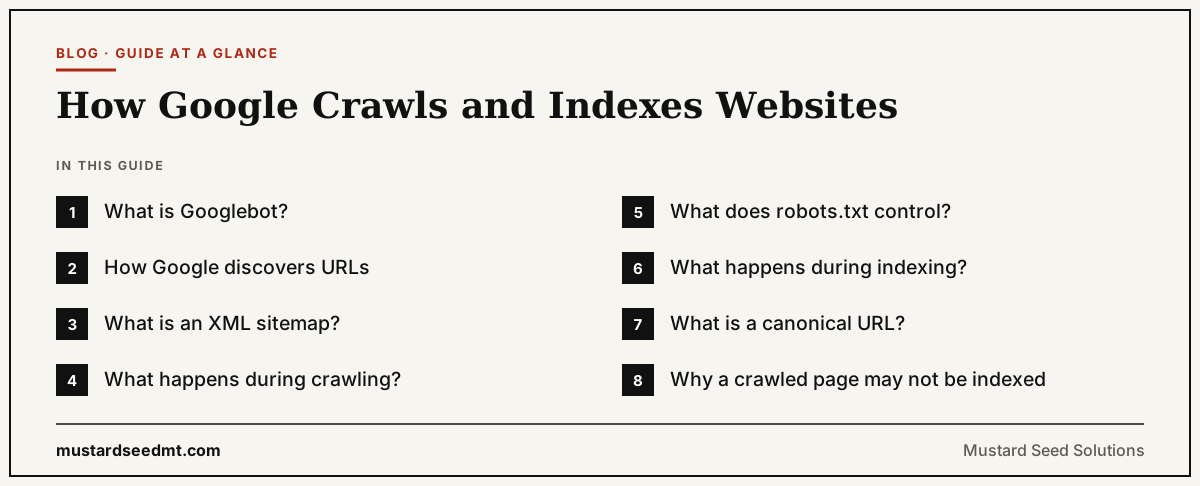
Before a webpage can appear in Google Search, Google must normally discover the URL, crawl its content, and decide whether to include it in the index.
These stages are often grouped together, but they are not the same.
A discovered page has been found.
A crawled page has been requested and processed by Googlebot.
An indexed page has been selected for storage in Google’s search index and may become eligible to appear for relevant queries.
Google describes Search as involving three broad stages: crawling, indexing, and serving results.
Understanding how Google crawls and indexes websites — and where one stage ends and the next begins — helps businesses diagnose visibility problems more accurately.
What is Googlebot?
Googlebot is Google’s best known web crawler.
A crawler is an automated program that requests webpages and other resources.
Googlebot follows links, reads sitemaps, revisits known URLs, and discovers new or updated content. Google operates different crawlers for Search and other services, but Googlebot is the main name website owners encounter when discussing Google Search crawling.
The crawler does not judge a page in the same way a human reader does.
It retrieves files and passes information into Google’s processing systems.
For JavaScript websites, Google may crawl the page, render it using an evergreen version of Chromium, and then process the rendered result for indexing.
How Google discovers URLs
Google can discover a page through links from other pages.
These may be internal links within the same website or backlinks from external websites.
Google uses links to find new pages and to understand relationships between content. Google generally needs crawlable HTML links, commonly an <a> element with an href attribute, to follow them reliably.
A page that receives no internal links is sometimes called an orphan page.
It may still be discovered through a sitemap or external link, but the missing internal connections make its place in the website less clear.
Important pages should be reachable through normal navigation or contextual links.
What is an XML sitemap?
An XML sitemap is a file that lists URLs a website wants search engines to know about.
It can be particularly useful for new websites, large websites, sites with limited internal links, and websites containing many images, videos, or news pages.
A sitemap helps discovery, but it does not guarantee crawling or indexing.
Including a URL in a sitemap tells Google that the publisher considers the page important enough to submit.
Google still decides whether to crawl it, how frequently to revisit it, and whether to index it.
A sitemap should contain canonical, indexable URLs that the business genuinely wants in search results.
It should not be used as a storage list for redirects, errors, duplicate pages, or private sections.
What happens during crawling?
When Googlebot requests a URL, the server returns a response.
A successful page generally returns an HTTP 200 status code.
A permanent redirect may return a 301 or another supported redirect status.
A removed page may return 404 or 410.
Server errors may return a 500 range response.
These responses help Google understand what happened to the URL.
Googlebot may also request images, CSS, and JavaScript needed to process the page.
Blocking important resources can make the page harder to render and understand.
Crawling does not guarantee indexing.
It only means Google accessed and processed the URL.
What does robots.txt control?
A robots.txt file tells compliant crawlers which URLs or resources they may request.
It is primarily a crawling control.
Google specifically warns that robots.txt should not be used as the main method for keeping a webpage out of search results. A blocked URL can sometimes still appear without a description when other pages link to it.
To prevent a page from appearing in Google Search, businesses can use a noindex rule or restrict access through authentication.
The crawler must be allowed to access the page to see a noindex meta tag.
If robots.txt blocks the page, Googlebot may never read the instruction.
What happens during indexing?
After crawling, Google analyzes the page’s text, images, videos, metadata, links, and other available information.
Google may determine what the page is about, whether it duplicates another URL, and which version should be treated as canonical.
The information may then be stored in Google’s index, a large database used to serve search results.
Indexing is selective.
Google does not guarantee that every accessible page will be indexed.
A page may be excluded because it contains a noindex instruction, duplicates another page, provides limited value, has technical problems, or is not considered necessary for the index.
What is a canonical URL?
Several URLs can sometimes contain the same or very similar content.
Examples include tracking parameters, printer versions, HTTP and HTTPS variants, and product URLs with different filters.
Google groups duplicates and selects a representative URL known as the canonical.
Website owners can suggest their preferred version through redirects, rel="canonical" tags, sitemap inclusion, and consistent internal links.
These are signals rather than absolute commands.
Google may choose a different canonical when its systems consider another version more complete or useful.
Consistent implementation reduces ambiguity.
Why a crawled page may not be indexed
A page can be technically accessible and still remain outside the index.
It may be too similar to another page.
The visible content may be extremely limited.
The page may contain temporary or low value information.
The website may generate many parameter combinations, filtered pages, or duplicate URLs.
Google may also need more time to evaluate a newly discovered page.
The correct response is not always to request indexing repeatedly.
Google states that submitting the same URL several times does not make crawling happen faster.
Businesses should first confirm that the page is distinct, useful, internally linked, technically accessible, and worth including — the groundwork a website growth system covers before anything else.
How internal links support indexing
Internal links help Googlebot move through the website.
They also provide context through the surrounding text and anchor wording.
A page linked from the homepage, service section, or several relevant articles is easier to discover and appears more central to the site.
A page that exists only in a sitemap may be treated as less integrated.
Every important page should ideally receive at least one crawlable internal link from another accessible page.
Internal linking should also help users.
Links added only for search engines can create clutter and confusing navigation.
How JavaScript can affect crawling and indexing
Google can render JavaScript, but JavaScript websites still require careful implementation.
Important content should become available in the rendered HTML.
Links should use crawlable elements.
Server responses should return meaningful status codes.
Applications should not require user actions that Googlebot cannot complete before displaying essential content.
Google processes JavaScript through crawling, rendering, and indexing stages. Rendering can add complexity and create more opportunities for failure than straightforward HTML.
Businesses using JavaScript frameworks should test pages through Search Console rather than assuming that users and crawlers receive the same result.
Mobile content is the indexing basis
Google uses the mobile version of a website’s content for indexing and ranking.
This is known as mobile first indexing.
Important desktop content should not disappear from the mobile version.
Titles, headings, structured data, images, links, and primary text should remain available.
A mobile page that contains substantially less information than the desktop page may limit what Google can index.
Responsive design often simplifies consistency, although other mobile configurations can also work when implemented correctly.
How Search Console helps
Google Search Console provides reports and diagnostic tools for crawling and indexing.
The URL Inspection tool can show whether a URL is indexed, which canonical Google selected, when it was last crawled, and whether Google encountered accessibility or indexing problems.
The Page Indexing report summarizes groups of indexed and excluded pages.
The Sitemaps report shows whether submitted sitemap files can be processed.
Search Console does not display every internal decision Google makes.
It provides enough information to identify many common technical problems and patterns.
How to request indexing
For a small number of important new or updated pages, verified site owners can use URL Inspection to request indexing.
For larger numbers of URLs, Google recommends submitting a sitemap.
A request places the URL into consideration.
It does not guarantee immediate crawling or indexing.
Google notes that crawling can take from several days to several weeks in some situations.
Businesses should avoid treating the request button as the main indexing strategy.
A healthy website should allow Google to discover important pages through internal links and sitemaps naturally.
Common crawling and indexing mistakes
Common problems include accidentally blocking the website in robots.txt, leaving noindex tags from a development environment, creating broken internal links, redirecting old pages incorrectly, and submitting noncanonical URLs in sitemaps.
Large websites may expose enormous numbers of filtered, sorted, session based, or duplicated URLs.
Google warns that exposing many unnecessary URLs can negatively affect crawling and indexing, particularly when they consume server resources or create large duplicate spaces.
Another mistake is publishing many pages that differ only slightly.
Technical access cannot compensate for the absence of a meaningful reason for each page to exist.
Crawling and indexing do not guarantee rankings
An indexed page is eligible to appear in search, but it has not earned a particular position.
When a user searches, Google’s ranking systems evaluate indexed content and select results that appear relevant and useful for the query.
Ranking depends on more than technical inclusion.
The page still needs appropriate content, relevance, authority, and competitive value.
Crawling provides access.
Indexing provides eligibility.
Ranking determines visibility.
A practical website indexing process
Make sure important pages are publicly accessible.
Use crawlable internal links.
Return correct server status codes.
Keep robots.txt, noindex, and canonical signals consistent.
Submit a clean sitemap containing the URLs you want indexed.
Test important pages in Search Console.
Investigate groups of exclusions rather than reacting to every individual URL.
Improve pages that lack a clear purpose or duplicate other content.
Google crawling and indexing are not mysterious approval stages.
They are processes through which Google discovers, retrieves, interprets, and stores web information.
A clear website structure and reliable technical implementation give valuable pages the best opportunity to enter that process successfully.